

A leaderboard is a published taskset with public evaluation results. This guide walks through the complete workflow—from empty taskset to public benchmark.Documentation Index
Fetch the complete documentation index at: https://docs.hud.ai/llms.txt
Use this file to discover all available pages before exploring further.
Prerequisites: You need an environment with at least one scenario. See Environments if you haven’t deployed one yet.
Create a Taskset
Go to hud.ai/evalsets → New Taskset. Name it something descriptive—this becomes your leaderboard title once published.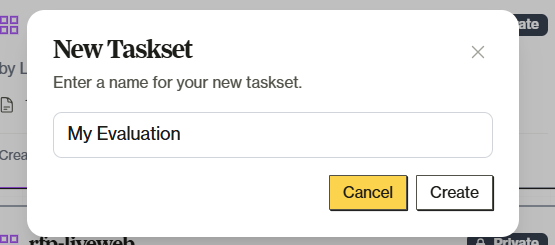
Add Tasks
Tasks are what agents get evaluated on. Each task references a scenario from your environment with specific arguments. Click Upload Tasks (cloud icon) to bulk add tasks via JSON. See Tasksets → Adding Tasks for the full upload format and options.Run Evaluations
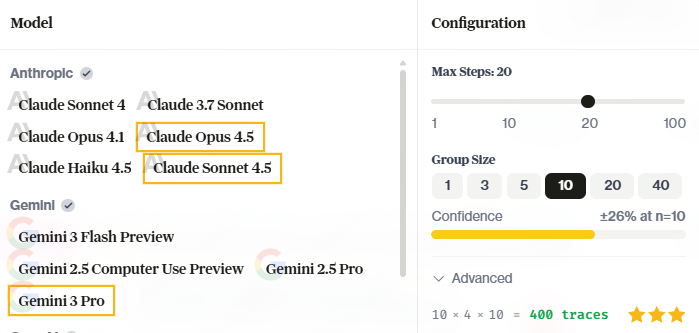
Click Run Taskset in the header. The run modal lets you configure:- Models — Select one or more models to evaluate. Multi-select runs the same tasks across all selected models.
- Group Size — How many times to run each task per model (more runs = higher confidence)
- Max Steps — Limit agent actions per task
Review and Validate
Before publishing, check your results.Leaderboard Tab
Shows aggregated rankings—agent scores, task-by-task breakdown, result distributions.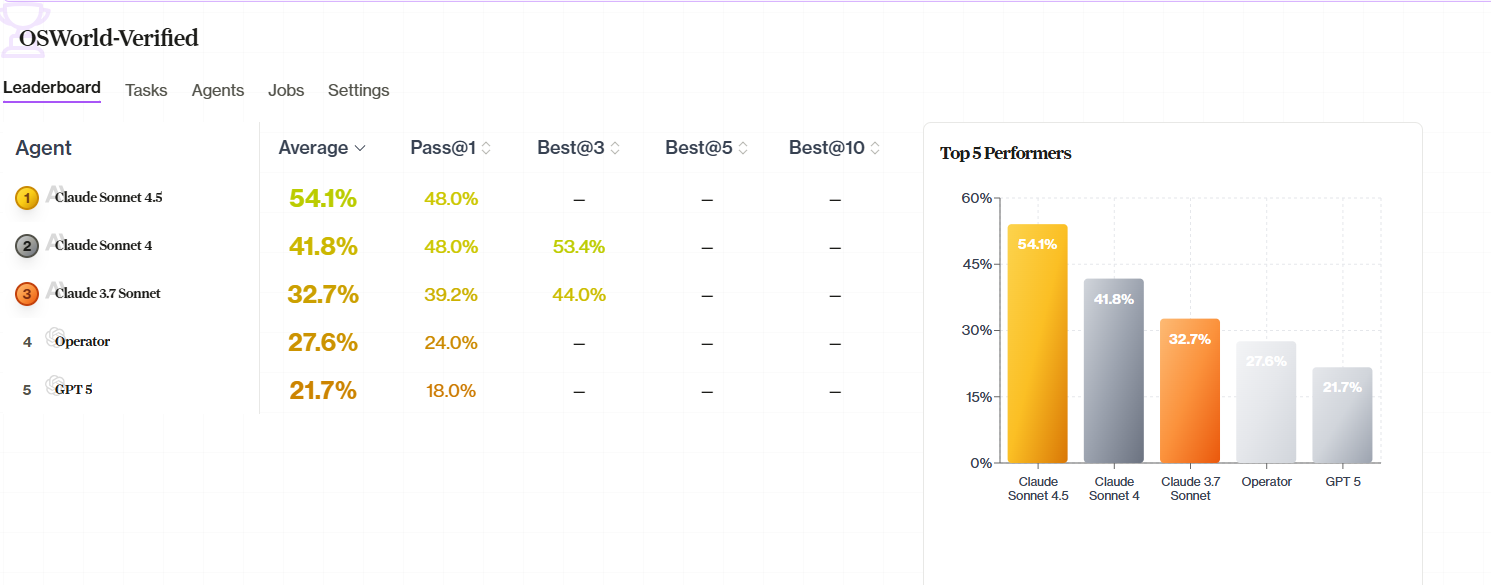
- Reasonable scores — 0% or 100% everywhere signals something’s wrong
- Variance — Good benchmarks have range
- Outliers — Unexpectedly high or low scores worth investigating
Traces
Click into jobs to review individual runs. Check that grading reflects actual agent performance. Look for environment issues or grading bugs.Invalidate Bad Runs
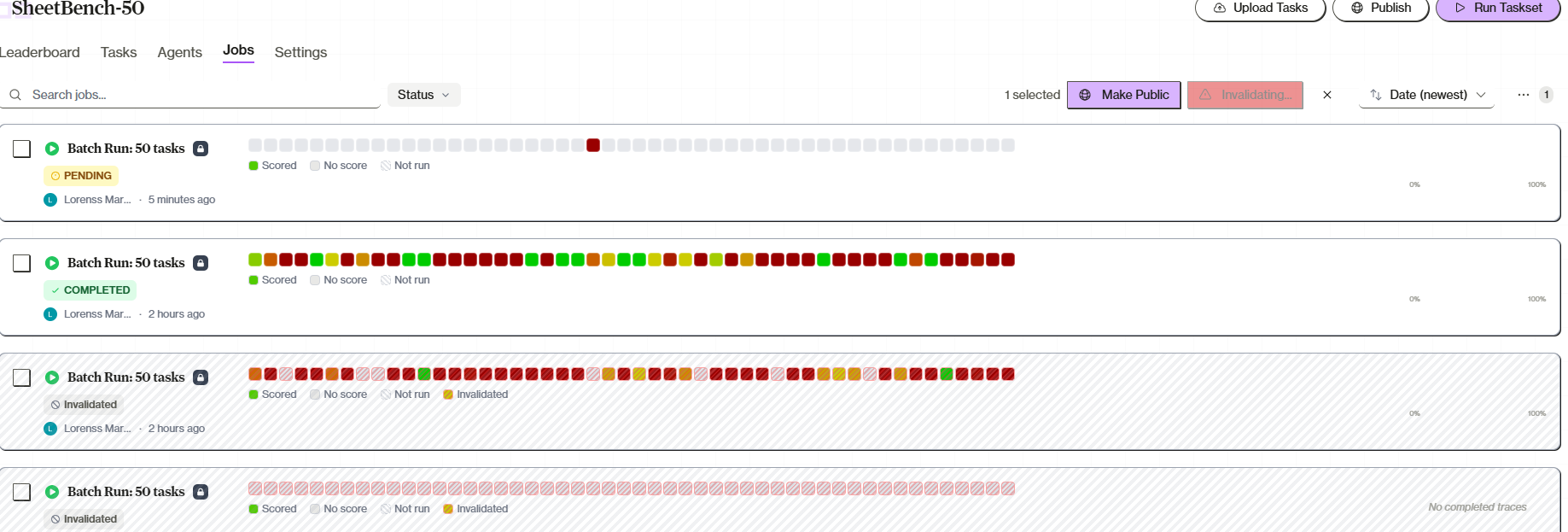
Found issues? Select affected jobs in the Jobs tab and click Invalidate. Invalidated jobs:- Are excluded from leaderboard calculations
- Show with a striped background
- Cannot be published
- Remain visible for reference
Invalidation is permanent. To get fresh results, re-run the evaluation.
Publish
Click Publish in the taskset header. The modal shows:- Evalset Status — Whether the taskset itself is already public
- Jobs to Include — Select which jobs to make public (invalidated jobs don’t appear)
- Already Public — Previously published jobs are checked and disabled
What Gets Published
| Item | Visibility |
|---|---|
| Taskset name | Public |
| Task configurations | Public |
| Selected job results | Public |
| Trace details | Public |
| Your team name | Public |
| Non-selected jobs | Private |
| Invalidated jobs | Never published |
Adding More Later
After initial publication, run new models and return to Publish to add them. Previously published jobs stay public.Best Practices
Before publishing:- Verify grading — Manually check 5–10 traces. Look for false positives and false negatives.
- Test stability — Flaky environments produce inconsistent results that undermine leaderboard validity.
- Include baselines — Always include well-known models (GPT-4o, Claude) as reference points.
- Document clearly — Add a description explaining what skills are tested and expected difficulty.
Tasksets
Detailed taskset management
Environments
Create environments with scenarios