

hud deploy
The simplest path. One command builds and deploys your environment directly to HUD:- Packages your build context (respects
.dockerignore) - Uploads to HUD’s build service
- Builds remotely via AWS CodeBuild
- Streams logs in real-time
- Links this directory to the deployed environment
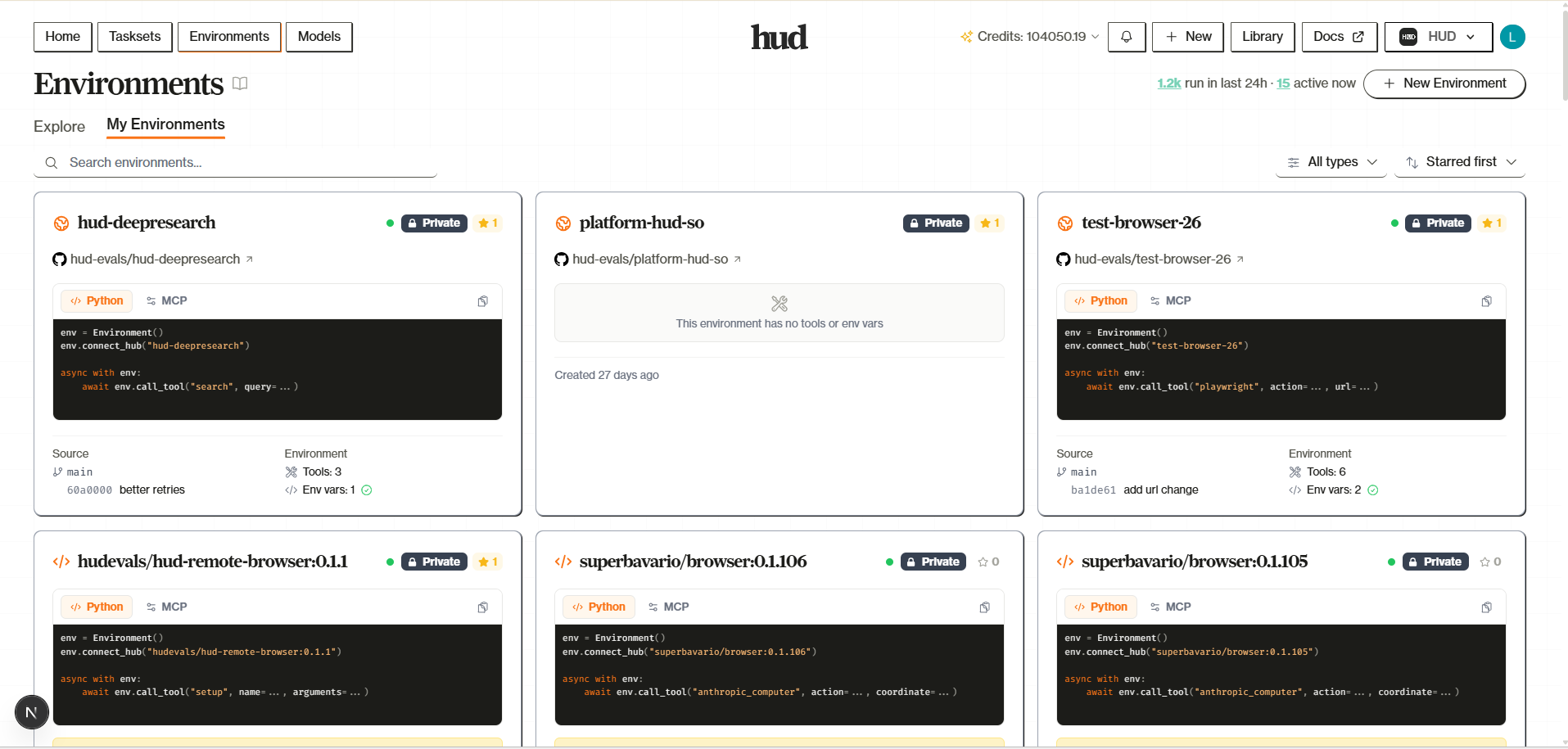
Rebuilding
Runhud deploy again in the same directory. HUD reads .hud/deploy.json to find your existing environment and builds a new version:
Configuration
Environment Variables, Build Args & Secrets
Environment Variables, Build Args & Secrets
Three flags for different purposes:
See hud deploy reference for full details.
| Flag | When | Use For |
|---|---|---|
--env / -e | Runtime | API keys, config |
--build-arg | Build time | Repo URLs, build modes |
--secret | Build time (not stored in image) | Private repo tokens |
Naming
Naming
Environment name is determined by (in order):
--name flag, [tool.hud].name in pyproject.toml, or the directory name.GitHub Auto-Deploy
For teams and CI/CD, connect a GitHub repository. HUD rebuilds automatically when you push:- Go to hud.ai → New → Environment
- Click Connect GitHub and install the HUD GitHub App
- Select your repository and branch
- Push changes—rebuilds happen automatically
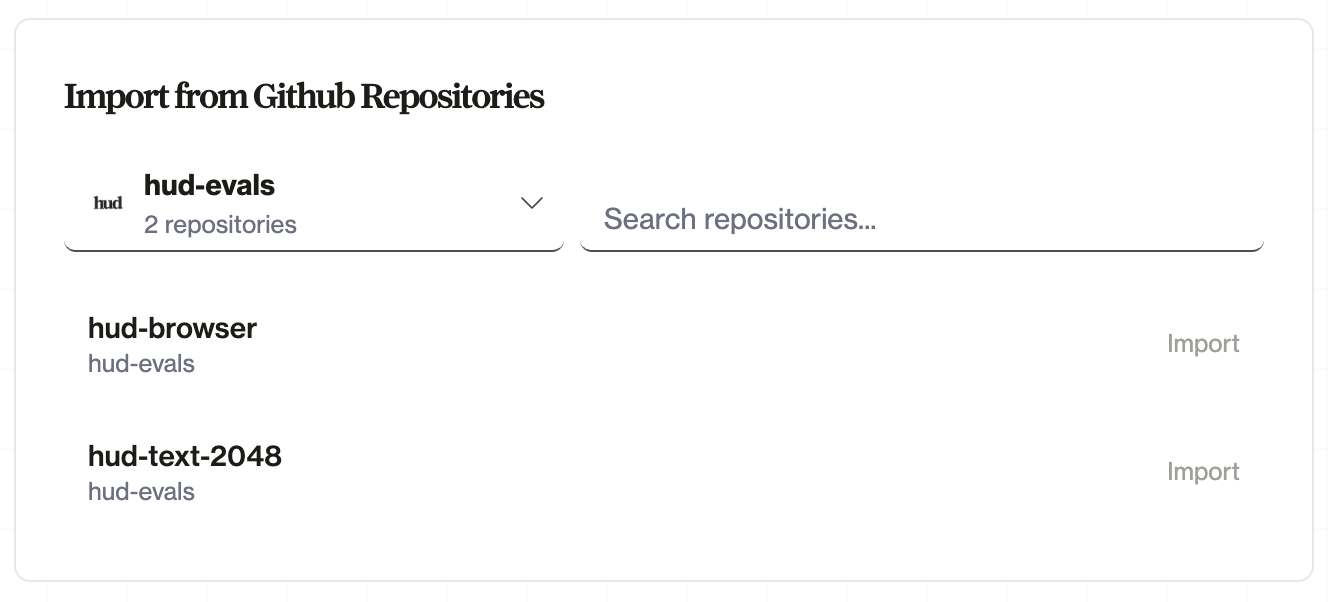
- CI/CD integration: Rebuilds on every push to your branch
- Team collaboration: Anyone with repo access can trigger deploys
- Version history: See which commit each build came from
- Rollback: Deploy previous commits if needed
Switching Between Methods
Started withhud deploy but want GitHub integration later? Just connect the same repo on the platform. HUD links them by environment ID.
Going the other way? Use hud link to connect a local directory to an existing platform environment:
Comparison
| Feature | hud deploy | GitHub Integration |
|---|---|---|
| Setup | One command | Connect repo on platform |
| Rebuilds | Manual (hud deploy) | Automatic on push |
| Best for | Solo dev, quick iteration | Teams, CI/CD |
| Env vars / Build args / Secrets | CLI flags | Platform settings |
What’s Next
Tasks & Training
Create tasks and train models
Platform Environments
Full platform environment guide