

You’ve built an environment, written scenarios, defined tasks, and tested locally. Now run the same tasks at scale on HUD infrastructure — hundreds of parallel runs, no local compute.Documentation Index
Fetch the complete documentation index at: https://docs.hud.ai/llms.txt
Use this file to discover all available pages before exploring further.
Prerequisites
You need:- A working environment (
env.pywith tools and scenarios) - Tasks that pass locally (
hud eval tasks/ claude) HUD_API_KEYset (hud set HUD_API_KEY=your-key)
Step 1: Deploy
hud deploy
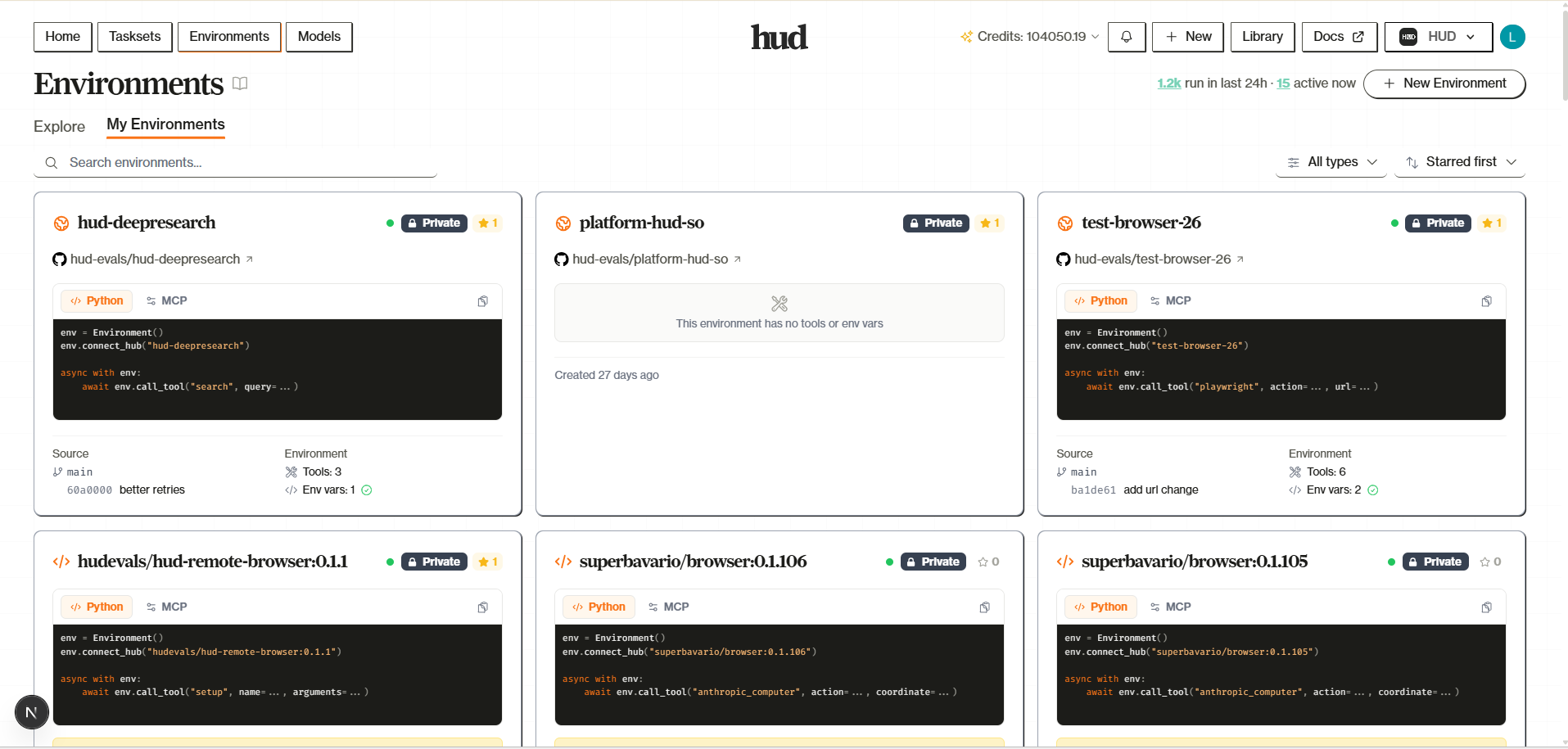
The simplest path. One command builds and deploys your environment directly to HUD:- Packages your build context (respects
.dockerignore) - Uploads to HUD’s build service
- Builds remotely via AWS CodeBuild
- Streams logs in real-time
- Links this directory to the deployed environment
Rebuilding
Runhud deploy again in the same directory. HUD reads .hud/deploy.json to find your existing environment and builds a new version:
Configuration
Environment Variables, Build Args & Secrets
Environment Variables, Build Args & Secrets
Three flags for different purposes:
See hud deploy reference for full details.
| Flag | When | Use For |
|---|---|---|
--env / -e | Runtime | API keys, config |
--build-arg | Build time | Repo URLs, build modes |
--secret | Build time (not stored in image) | Private repo tokens |
GitHub Auto-Deploy
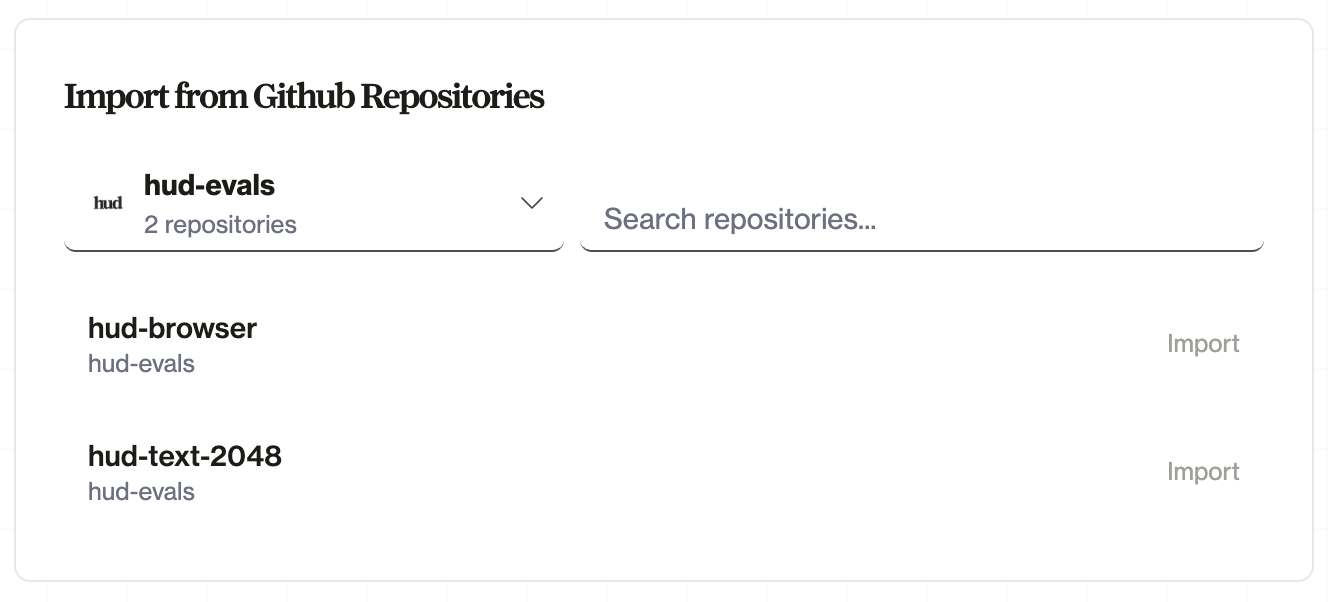
For teams and CI/CD, connect a GitHub repository. HUD rebuilds automatically when you push:- Go to hud.ai → New → Environment
- Click Connect GitHub and install the HUD GitHub App
- Select your repository and branch
- Push changes—rebuilds happen automatically
- CI/CD integration: Rebuilds on every push to your branch
- Team collaboration: Anyone with repo access can trigger deploys
- Version history: See which commit each build came from
- Rollback: Deploy previous commits if needed
Step 2: Sync Tasks
Push your local task definitions to a platform taskset:.hud/config.json. On subsequent runs, hud sync tasks re-syncs to the same taskset.
The sync is diff-aware — it diffs local tasks against the platform by slug. It creates new tasks, updates changed ones, and reports tasks that exist remotely but not locally (without deleting them). Any custom columns you defined on tasks sync automatically. Version control and task history are managed on the platform — you always have a record of what changed.
See the hud sync reference for full details on task discovery, diff behavior, and options.
Step 3: Run Remotely
| Flag | What it does |
|---|---|
--remote | Run on HUD infrastructure instead of locally |
--full | Run all tasks (without this, only the first task runs) |
--group-size 3 | Run each task 3 times (for variance estimation) |
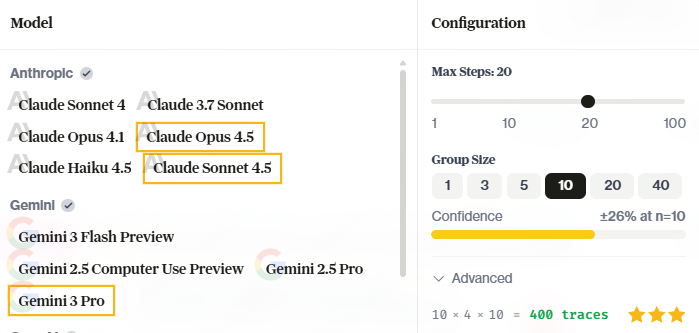
hud eval CLI reference for all options.
Working on the Platform
Once your taskset is live, the platform becomes your primary interface for managing evaluations, inspecting results, and iterating.Taskset Management
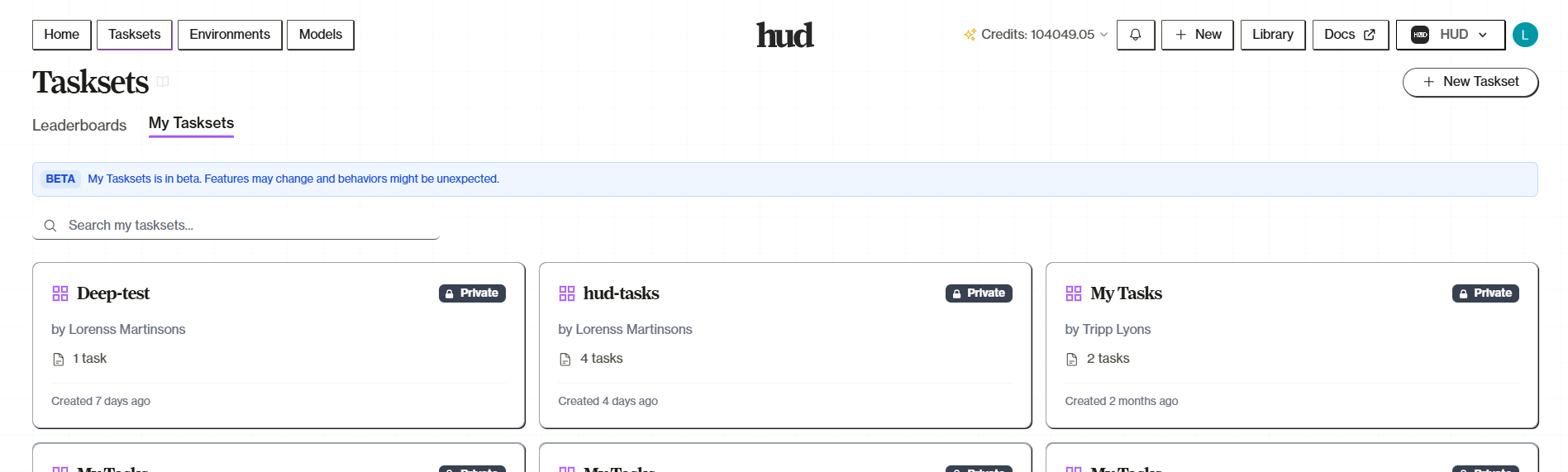
Your taskset is at hud.ai/evalsets. You can create and edit tasks through the platform UI — useful for large-scale management, team collaboration, or one-off additions.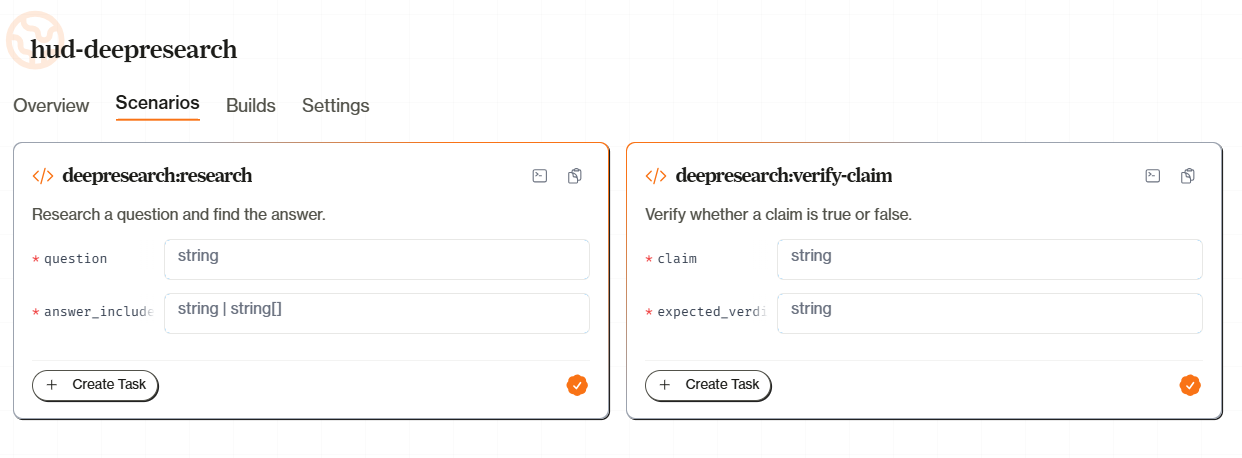
hud sync work together. Edit locally and sync up, or edit on the platform — both are valid. See Platform Tasksets for the full guide.
Inspecting Traces
After a run completes, click any task row in the Leaderboard to open the Trace Viewer. The trace shows:- Conversation — The full message history between the agent and environment
- Tool calls — Every tool invocation with arguments and results
- Reward — The final score and any subscore breakdown
- LOGS tab — Container stdout/stderr from the environment
- DEBUG tab — Orchestrator and worker logs for infrastructure issues
Iterating
Once you have results, the iteration cycle is fast:| What changed | What to do |
|---|---|
| Task args or columns | hud sync tasks |
| Added/removed tasks | hud sync tasks |
| Grading logic or tools | hud deploy then re-run |
| Dockerfile or system deps | hud deploy --no-cache then re-run |
| Just want to re-run | hud eval my-taskset claude --remote --full |
- Edit scenario/grading locally
task.run("claude-sonnet-4-5")— verify it works- Deploy only if env code changed:
hud deploy - Sync only if tasks changed:
hud sync tasks --task <slug> hud eval "My Taskset" claude --remote --task-ids my_task- Check the trace, repeat
Debugging Zero Scores
When a task scores 0.0 remotely but works locally:- Trace — Did the agent attempt the task or get stuck? If it never acted, the issue is the prompt or model, not grading.
- Logs — Check the LOGS and DEBUG tabs for container errors, missing deps, or grader failures.
- Grade locally — If it passes locally but fails remotely, the deployed environment diverged. Verify your latest build version matches
.hud/deploy.json.
QA Workflows
After running evaluations, use QA workflows to automatically analyze traces — detect grading errors, classify failures, and flag reward hacking. Attach a QA workflow as a column on your taskset and every completed trace is analyzed automatically. HUD ships four standard QA workflows:| Workflow | What it detects |
|---|---|
| False Negative | Agent succeeded but grader scored it wrong |
| False Positive | Agent got credit without genuinely solving |
| Failure Analysis | Root cause classification (10 categories) |
| Reward Hacking | Agent gamed the evaluation mechanism |
Remote runs use the HUD Gateway for model access. Store your provider API keys at hud.ai/project/api-keys (BYOK, lower credit cost) or use HUD Credits with pooled keys. Either way, you only need
HUD_API_KEY — no provider-specific keys required.Running Externally
Every HUD image supports scenario operations viahud scenario. Setup and grading are shell commands; agents interact with tools via the MCP server at :8080/mcp. This is the same interface used by Harbor-compatible benchmarks — converting an existing benchmark to HUD format produces exactly this structure.
With Docker
With a Sandbox SDK (Python)
Any platform that can run a Docker image and exec into it works. Here are two options:- Daytona
- Modal
Daytona spins up HUD images as sandboxed workspaces:
kubectl exec), E2B, Fly.io, or any platform that runs containers.
What’s Next
Environments as Data
Design environments that produce useful training signal
Platform Tasksets
Full taskset management guide
Sync Reference
Task sync details and diff behavior
hud eval Reference
All eval CLI options